Change your video background with AI
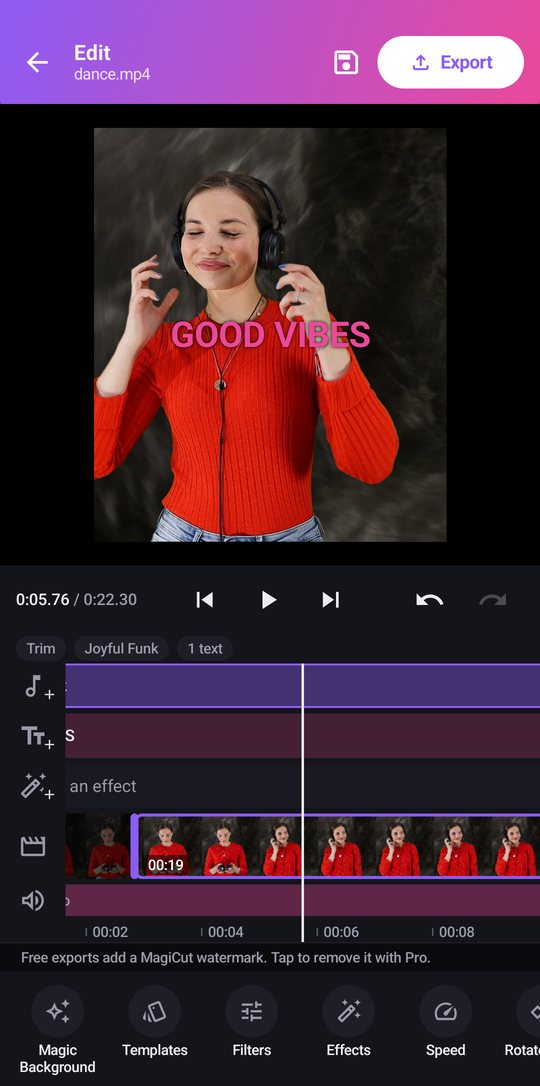
Blur the background behind you, then trim, merge and add music, text, filters and effects. All in one timeline, all on your phone. No green screen needed.
Free to download · English, Hindi, Portuguese, Japanese, Korean, Chinese
Same clip. Whole new scene.
Drag the slider to compare. MagiCut finds the person in your video and changes only what's behind them.
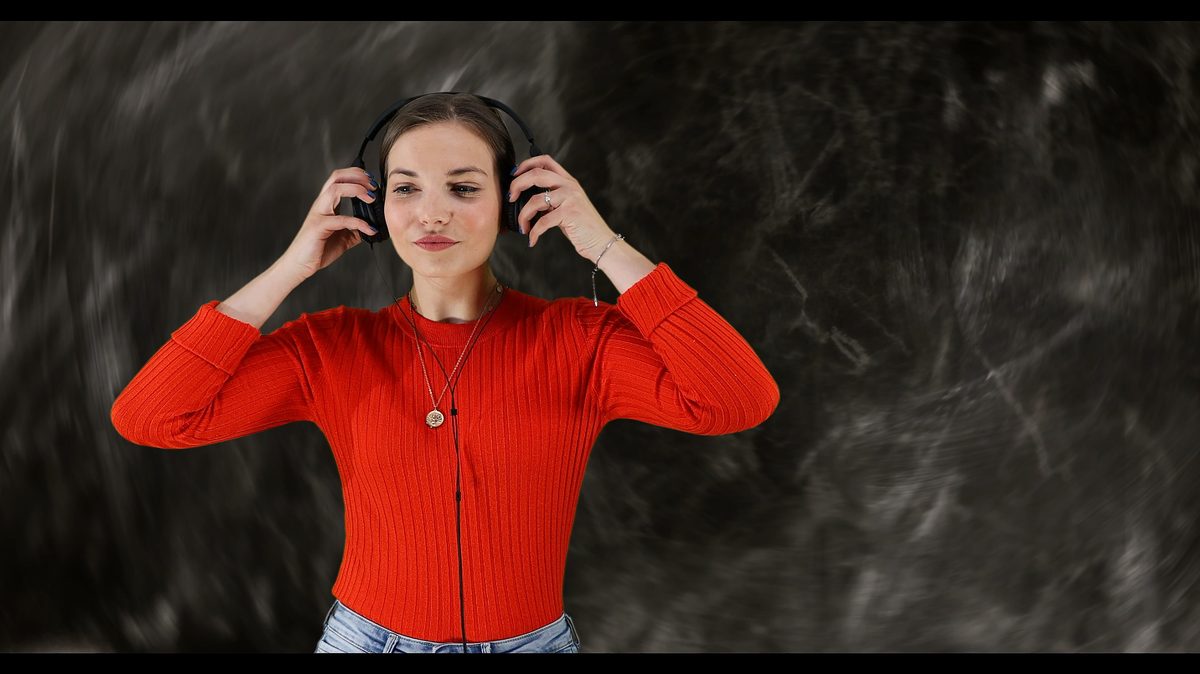
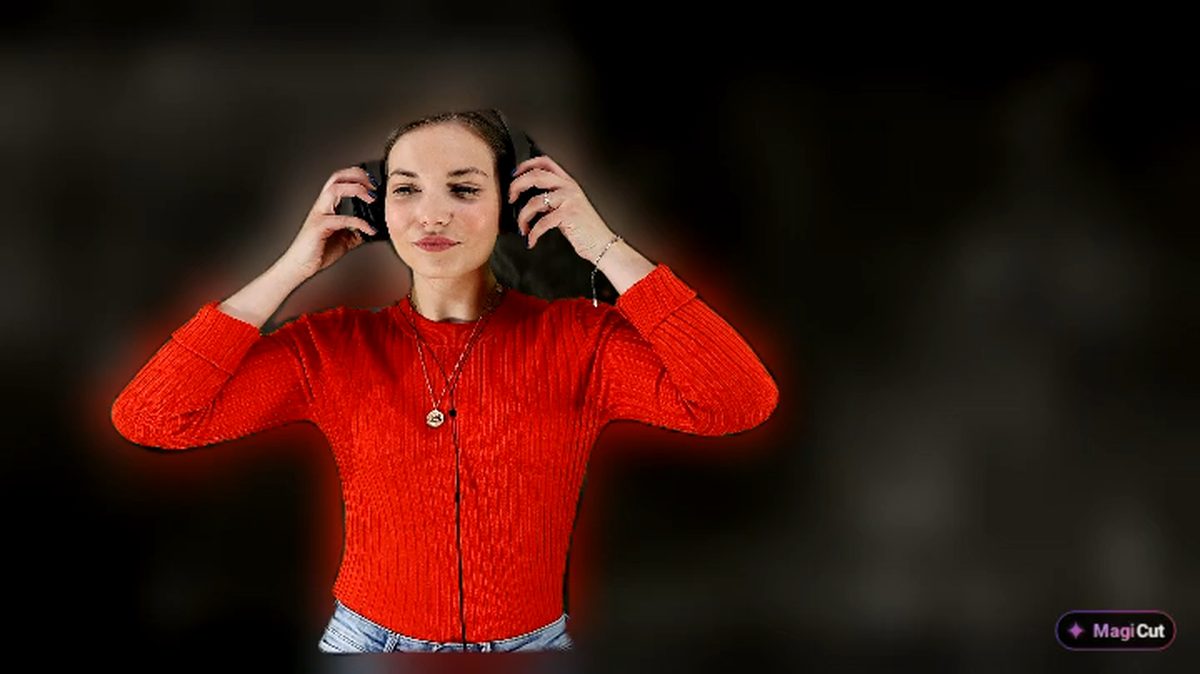 OriginalBlur
Everything stacks on one timeline
Pick a tool from the editor bar and layer as many as you like into a single export.
Magic Background
Blur, recolor or replace the background with AI.
Trim & merge
Cut to the moments you want and join clips together.
Templates
10 ready-made looks such as Vlog, Cinematic and Aesthetic.
Filters & effects
10 filters and 12 effects: Glitch, VHS, Neon, Old Film, Light Leak…
Text & stickers
Captions with presets, fonts and colors, plus emoji and images.
Music
Built-in royalty-free tracks or your own audio.
Voice effects
Baby, male, female, robot, chipmunk, echo and more.
Speed & boomerang
Slow motion, fast-forward, reverse and loops.
Blur areas
Hide faces or details, timed on the timeline.
Rotate & crop
Flip, crop and change the aspect ratio for any platform.
Video player
MP4, MKV, AVI, MOV, WEBM with equalizer and PiP.
Private folder
Keep personal videos behind a PIN or biometric unlock.
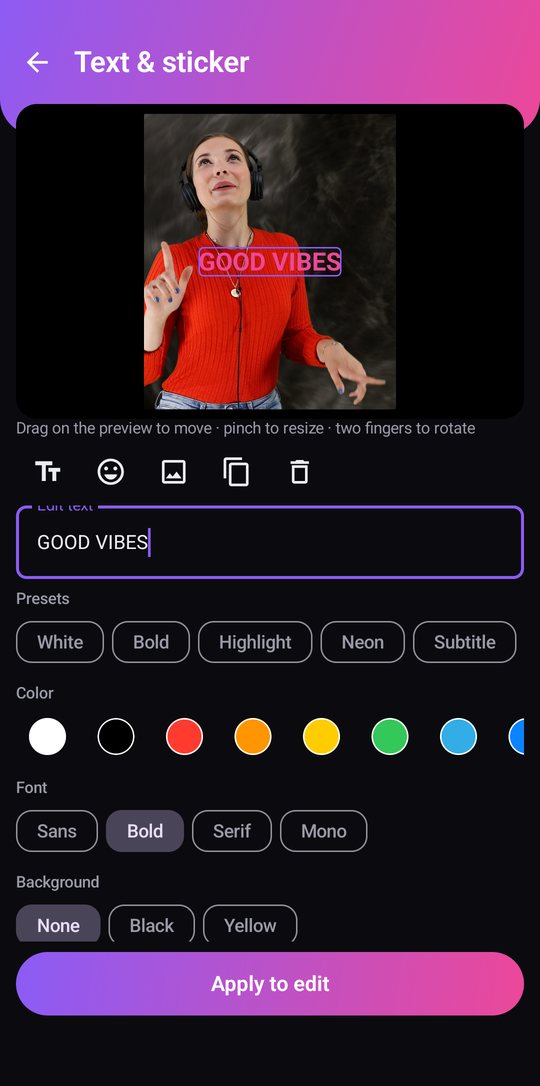
Say it on screen
Type a caption, pick a preset like Neon or Highlight, then drag, pinch and rotate it right on the preview.
- Presets, colors, fonts and backgrounds
- Emoji and image stickers
- Set when each layer appears on the timeline
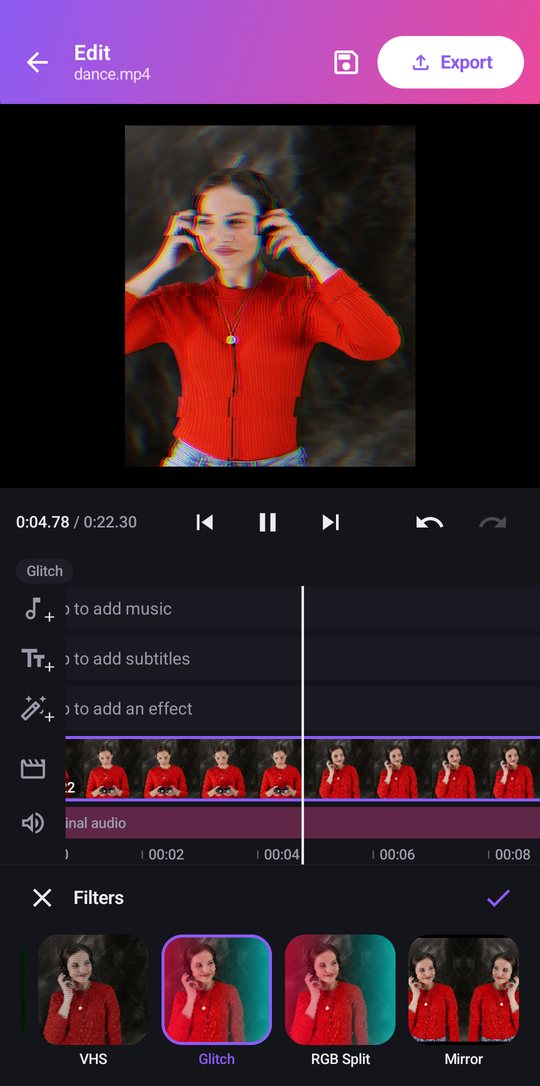
Set the mood in one tap
Preview every look on your own clip before you apply it, and undo anytime.
- Vivid, Warm, Vintage, Sepia, Noir and more
- Glitch, VHS, RGB Split, Mirror, Night Vision
- Fade transitions between clips
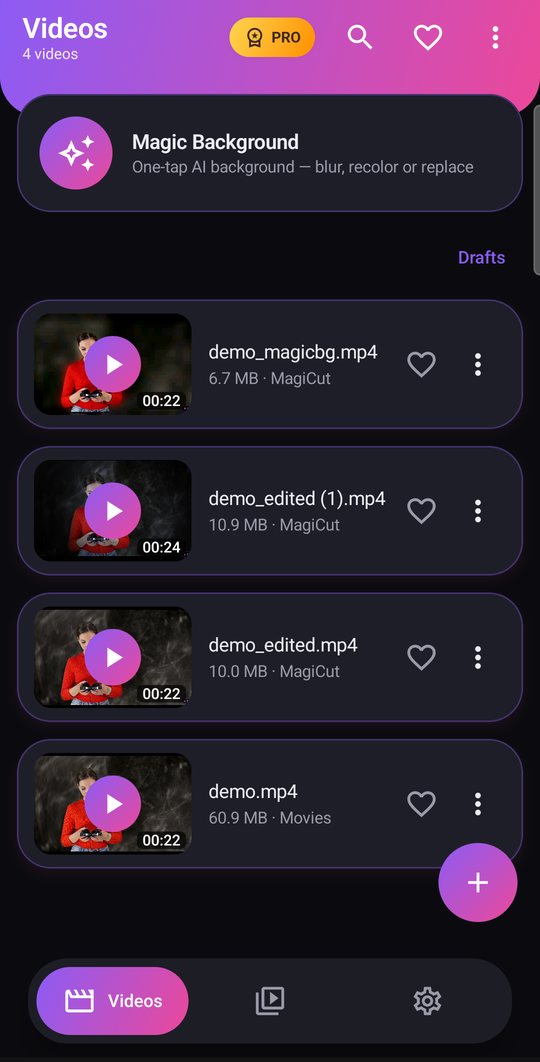
Your videos, ready to play
All the videos on your phone in one list, with favorites, drafts and a player built for watching.
- Gestures, playback speed and equalizer
- Picture-in-picture and Cast to TV
- Extract audio from your own videos
Your videos stay on your phone
MagiCut edits locally and asks only for what it needs.
Edited on device
Trims, effects and the AI background are processed on your phone. Your videos are not uploaded.
No extra access
No location, contacts, camera or microphone permissions.
Locked folder
Private Folder stays out of backups; the PIN is stored only as a salted hash.
Delete anytime
Settings › Delete my data clears what the app keeps on your phone.
Unlock the full editor
- Export with no watermark, and no ads
- Full HD 1080p export
- All Magic Background modes: color, gradient and photo
- Full online music library, all templates and voices
Prices are shown in Google Play. The yearly plan renews automatically unless cancelled before the period ends; cancel anytime in Google Play › Subscriptions.
Good to know
Do I need a green screen for Magic Background?
No. MagiCut uses on-device AI (Google ML Kit) to separate the person from the scene. It works best with one person clearly in the shot, and each render covers up to 50 seconds of your clip.
Are my videos uploaded anywhere?
No. Editing and the AI background run on your phone and exports are saved to your gallery. Only the optional online music search and Cast to TV use the network, and neither sends your videos to us.
Is MagiCut free?
Yes. The editing tools and Magic Background blur are free to use. Free exports include a small MagiCut watermark and the app shows ads. Pro removes both and unlocks Full HD and extra backgrounds, music, templates and voices.
How do I cancel Pro?
Open Google Play › Profile › Payments & subscriptions › Subscriptions, choose MagiCut and cancel. If you cancel before a free trial ends, you won't be charged.
How do I contact you?
In the app, go to Settings › Send feedback, or email sinn061094@gmail.com.